Create letters, tailored resumes, and follow-up answers in one flow.
Logged content
Saved sessions stay useful when you come back to the same company.
Context
Keep the company, role, and profile pinned while you work.
Smarter extraction
Use AI and heuristics together on noisy job pages.
One control center
Sessions, profile, and output stay easy to revisit.
Flow
From page to application.
Follow the full sequence from the live job page to reusable output, saved sessions, and the next application.
01
Open a job page
Launch CoverCraft where you are already applying.
02
Lock the context
Keep the company, role, and profile in view.
03
Generate materials
Create the letter, resume pass, and follow-up answers.
04
Review the generated draft
Refine the letter, resume pass, or answer while the role context stays pinned.
05
Move into control center
Open the reusable dashboard to revisit sessions, settings, profile state, and analytics.
06
Export and reuse
Keep the session ready for follow-ups, repeat companies, and the next application cycle.
Setup
Get CoverCraft ready.
Connect the required services once and keep one profile ready so every new session starts faster.
Keys
Connect the keys.
Start with model access and research.
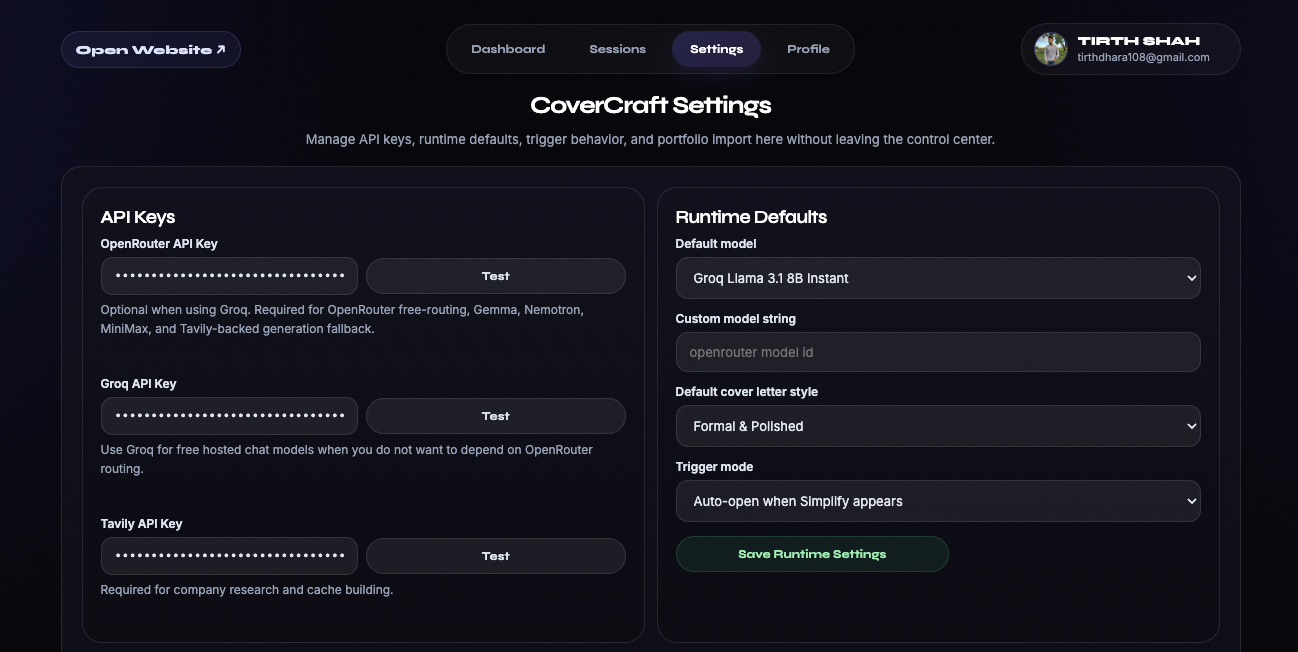
OpenRouter / OpenAI / Groq - connect your preferred model stack.
Groq - connect a fast hosted generation path.
Tavily - connect company research.
Profile
Keep profile ready.
Import it directly or build it from a resume.
Upload JSON - replace the active profile.
Upload PDF or JPEG - import from Settings.
Resume Workspace - review a draft before applying it.
Product
The product in real screens.
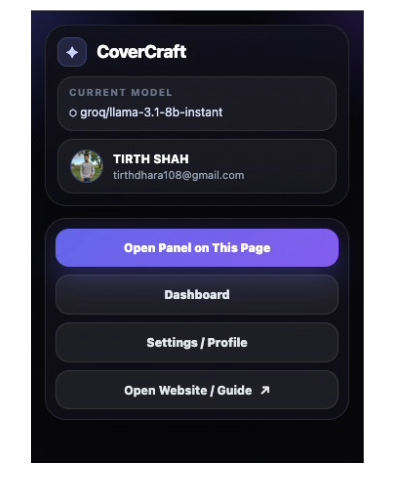
Extension Popup
Launch CoverCraft from the browser bar.
Open the panel, jump to the dashboard, or head into settings and profile management from one compact starting point.
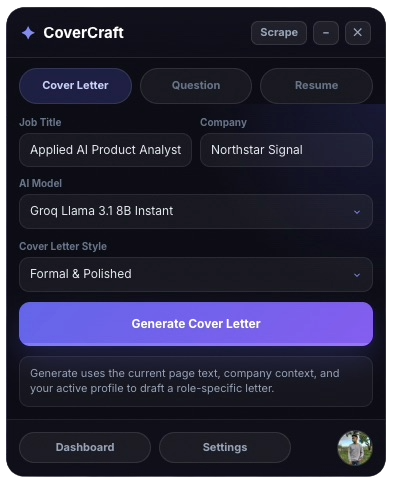
Job Page
Draft the cover letter without leaving the role.
The main writing surface stays attached to the job posting so context, generated output, and follow-up edits stay together.
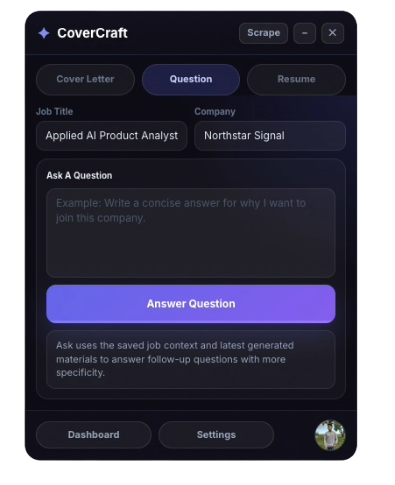
Job Page
Ask focused questions in the same session.
Users can interrogate the role, company context, or fit questions without switching surfaces or losing the saved session.
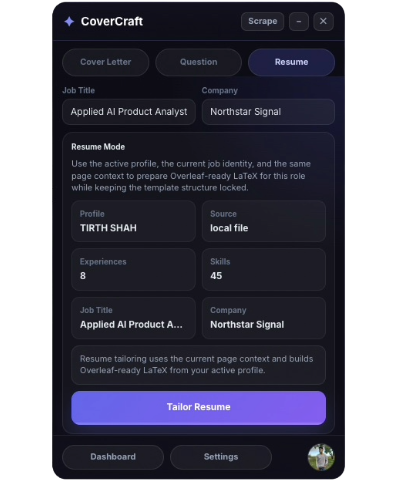
Job Page
Tailor the resume in a cleaner side-by-side flow.
Resume iteration stays in the same application session, ready for export and reuse once the role-specific edits look right.
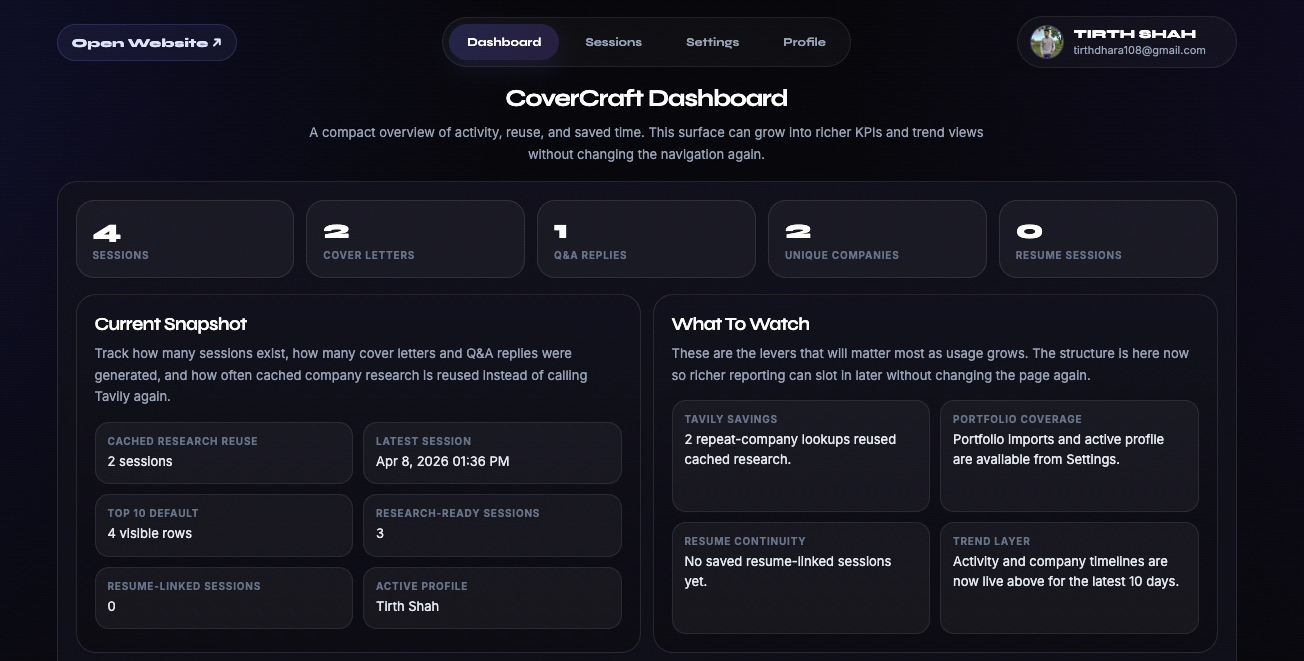
Control Center
Reusable command view for every session.
Move between saved work, settings, analytics, and profile state without losing job-page context.
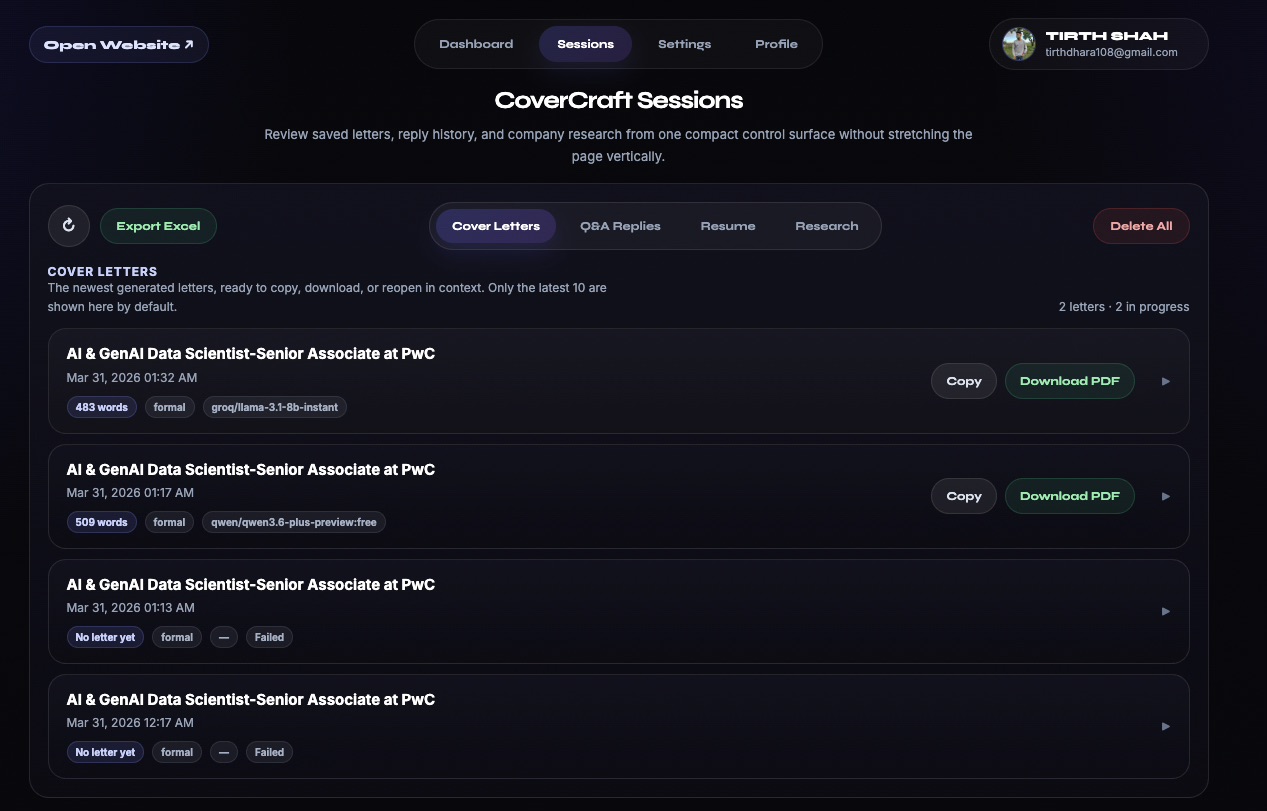
Sessions
Reopen work without rebuilding the session.
Saved applications, generated artifacts, and context stay easy to revisit when the same company or role comes back around.
Settings
Manage providers, defaults, and setup.
Connection settings and workspace defaults live in one place so the system stays predictable before the next application run.
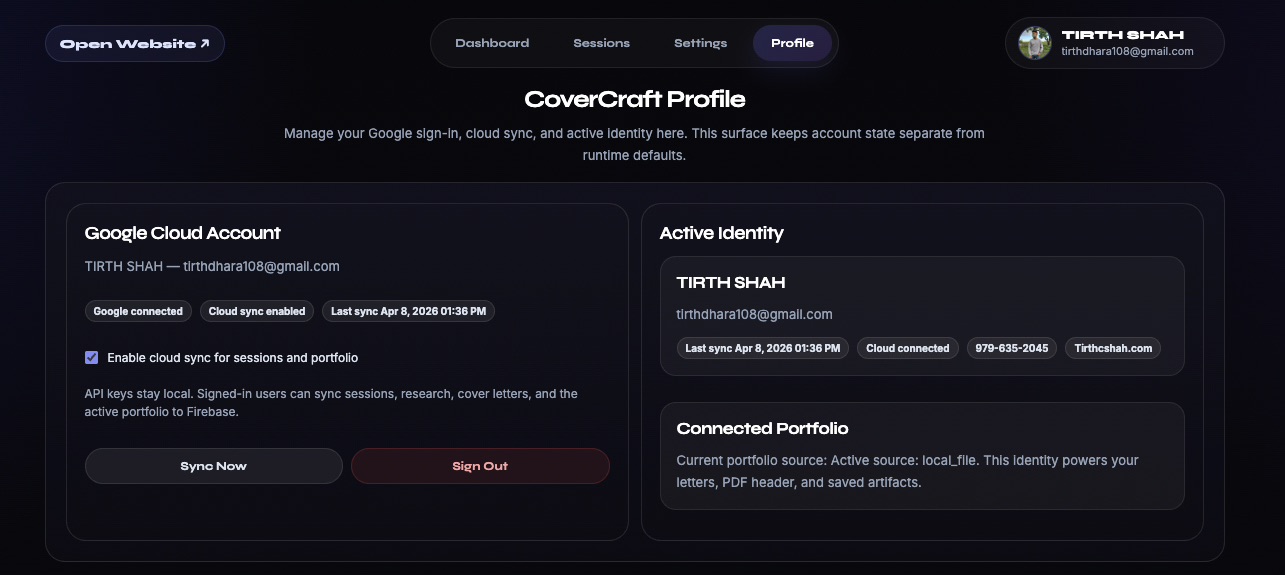
Profile
Keep identity and sync details ready to reuse.
The active profile stays aligned with resumes, letters, and exports so users do not have to re-enter core details each time.
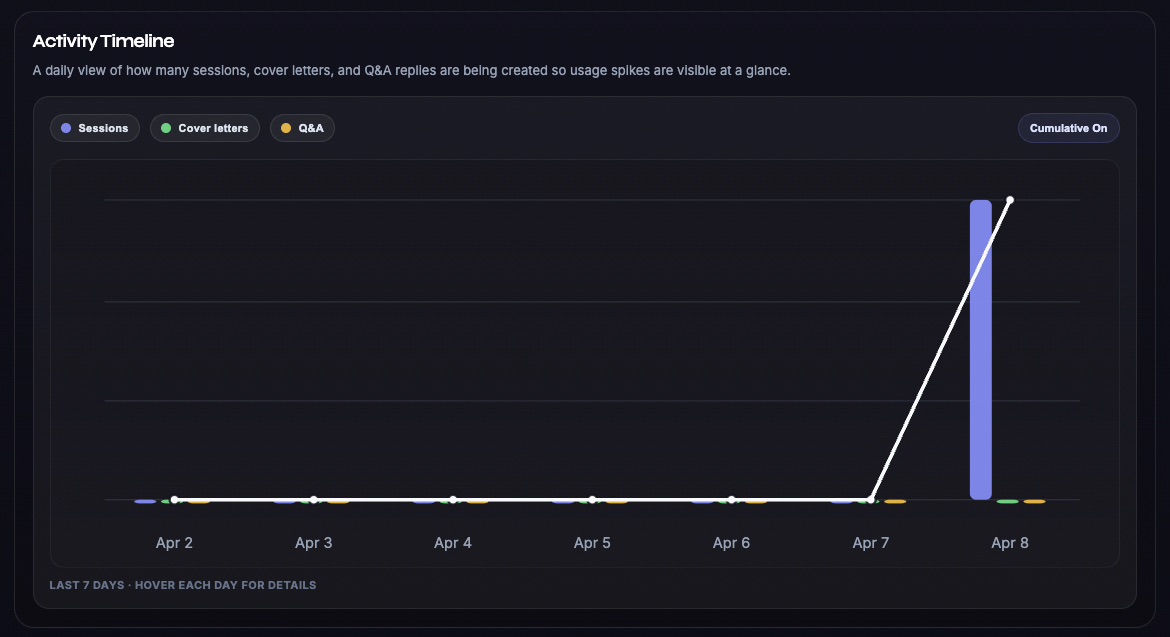
Analytics
Track workflow activity over time.
The timeline view makes session volume and generation activity easier to scan without crowding the rest of the control center.
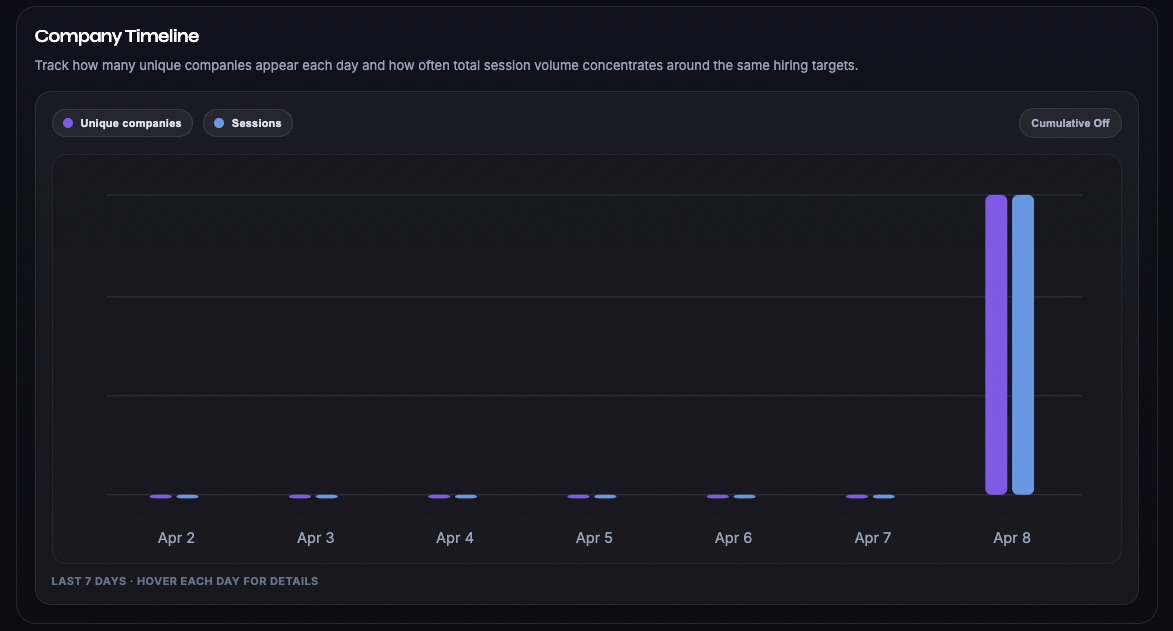
Analytics
See company patterns clearly.
Track where applications cluster so repeat targets become obvious faster.
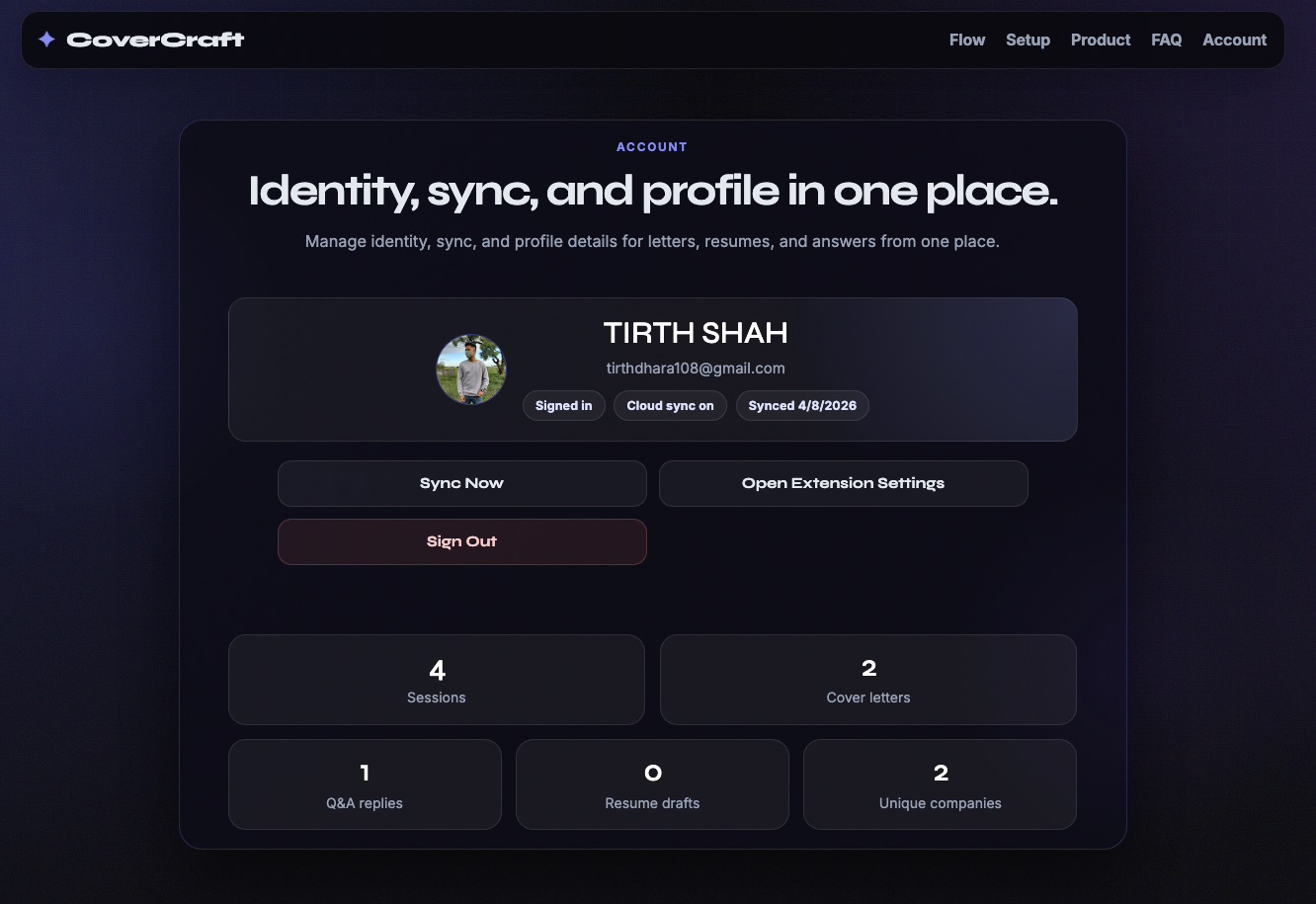
Account
Understand account access before installation.
The official Store extension keeps identity, sync status, and profile controls in its Dashboard. This website explains which installation mode supports those features.